

Audiorista vs Studio One: Record in One, Publish and Sell With the Other
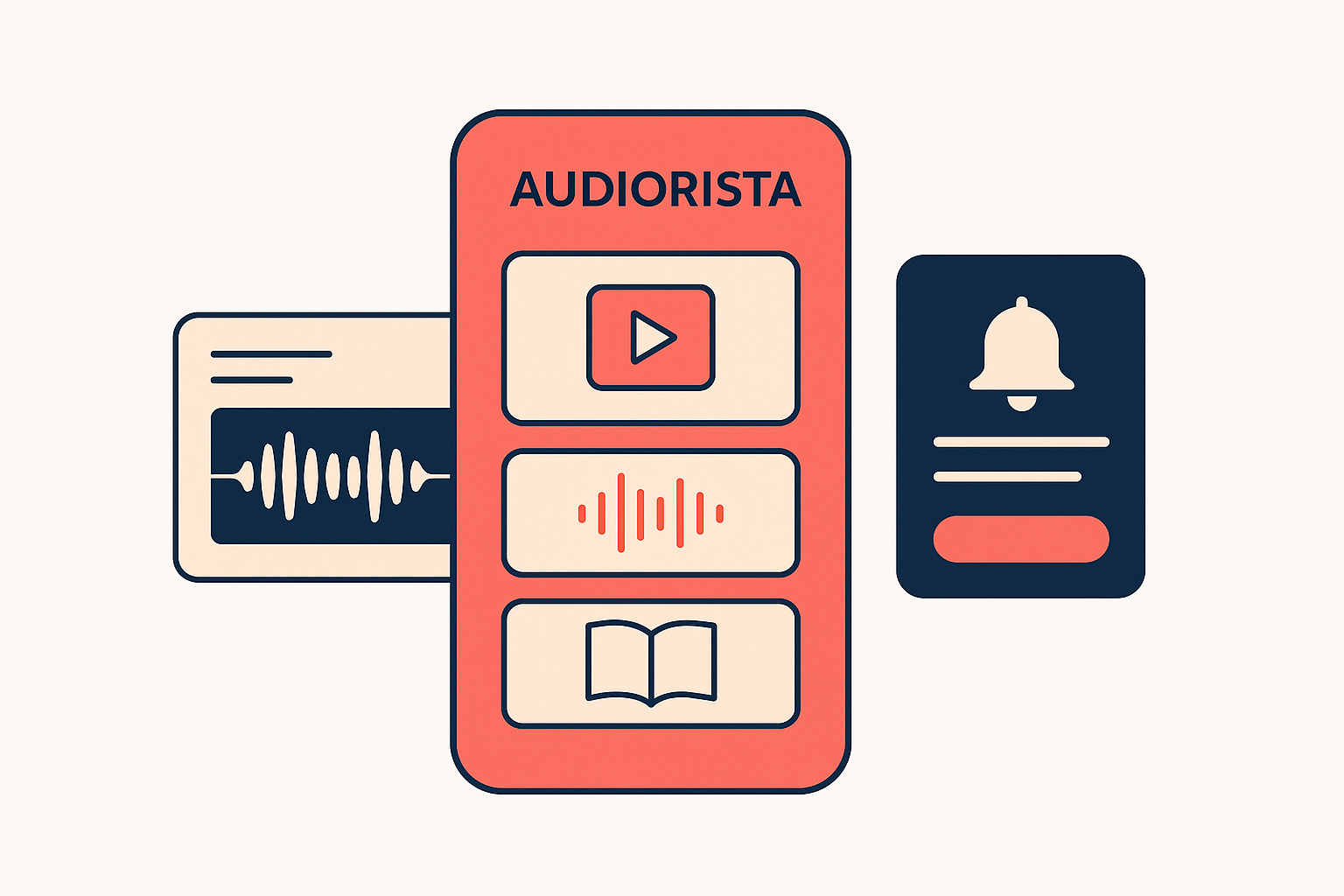
Audiorista is not an alternative to Studio One. Studio One is a digital audio workstation (DAW) where you record, edit, mix and master audio. In January 2026 it was renamed Fender Studio Pro. Audiorista is where you publish that finished audio in your own branded iOS and Android app and earn from it with subscriptions and bundles. Most podcasters, educators, publishers and musicians who compare the two need both: Studio One to make the content, Audiorista to get it to their audience and get paid.
What each tool does
| Studio One (Fender Studio Pro) | Audiorista | |
|---|---|---|
| Main job | Record, edit, mix and master audio | Publish, sell and grow an audience for finished content |
| Stage in your workflow | Production | Distribution and monetization |
| What you end up with | Finished audio files | Your own app in the App Store and Google Play |
| Content types | Audio and music | Audio, video and ebooks in one app |
| Selling to your audience | Not part of the tool | Subscriptions and bundles in the app, single sales through your website |
| Reaching listeners | Not part of the tool | Push notifications and listening analytics |
| Coding needed | No | No |
The two don't overlap. If you are looking for a Studio One alternative to record and edit with, you need another DAW. If you have finished recordings and want to sell them in your own app, that's what Audiorista does.
From Studio One to your own app, step by step
- Record and edit your episodes, lessons, audiobook chapters or tracks in Studio One.
- Export the finished audio files.
- Upload them to Audiorista and organize them into series, courses, albums or collections.
- Design your app with your logo, colors and app icon.
- Choose how you charge: subscriptions, bundles, or single sales through your website.
- Publish to the App Store and Google Play.
- Grow: announce new releases with push notifications and use analytics to see what your audience plays and finishes.
Who uses Studio One and Audiorista together
- Podcasters: produce episodes in Studio One and release them in a branded podcast app with paid tiers. See apps for podcasters and networks.
- Musicians: master your music in Studio One and sell it to fans in your own app. See build your own music app.
- Educators and course creators: record lectures and sell them as courses. See apps for educators.
- Coaches and trainers: turn guided sessions and programs into a subscription. See apps for coaches and trainers.
- Publishers and audiobook producers: produce narration in Studio One and sell audiobooks next to your ebooks. See apps for publishers.
How to earn from your audio with Audiorista
- Subscription: a monthly or yearly fee for access to your whole catalog. Best when you release regularly.
- Bundles: several episodes, lessons or albums at one price.
- Single titles through your website: sell individual titles on your own site, and Audiorista's Membership API unlocks them in the app.
- Free plus premium: some content free to attract listeners, the best behind a paywall.
Audiorista's plans follow where you are: Lite for launching, Business when you're ready to grow, and Enterprise for established businesses at scale. Compare them on our pricing page.
The bottom line
Keep Studio One for what it does best: making great-sounding audio. Use Audiorista to put that audio in your own app, under your own brand, and turn listeners into paying subscribers.
FAQ
Is Audiorista an alternative to Studio One?
No. Studio One is a DAW for recording and editing audio. Audiorista is a no-code platform for publishing and selling finished audio, video and ebooks in your own iOS and Android app. Most creators use both.
What is Studio One called now?
From January 2026, PreSonus Studio One is called Fender Studio Pro.
Can I sell music or podcasts made in Studio One in my own app?
Yes. Export your finished files from Studio One, upload them to Audiorista, and sell them through subscriptions and bundles in your own app.
Do I need to know how to code to build the app?
No. With Audiorista you upload your content, design the app and publish it to iOS and Android without writing code.
Ready to publish what you make in Studio One? Start building your branded app with Audiorista.
Your audience is waiting
