
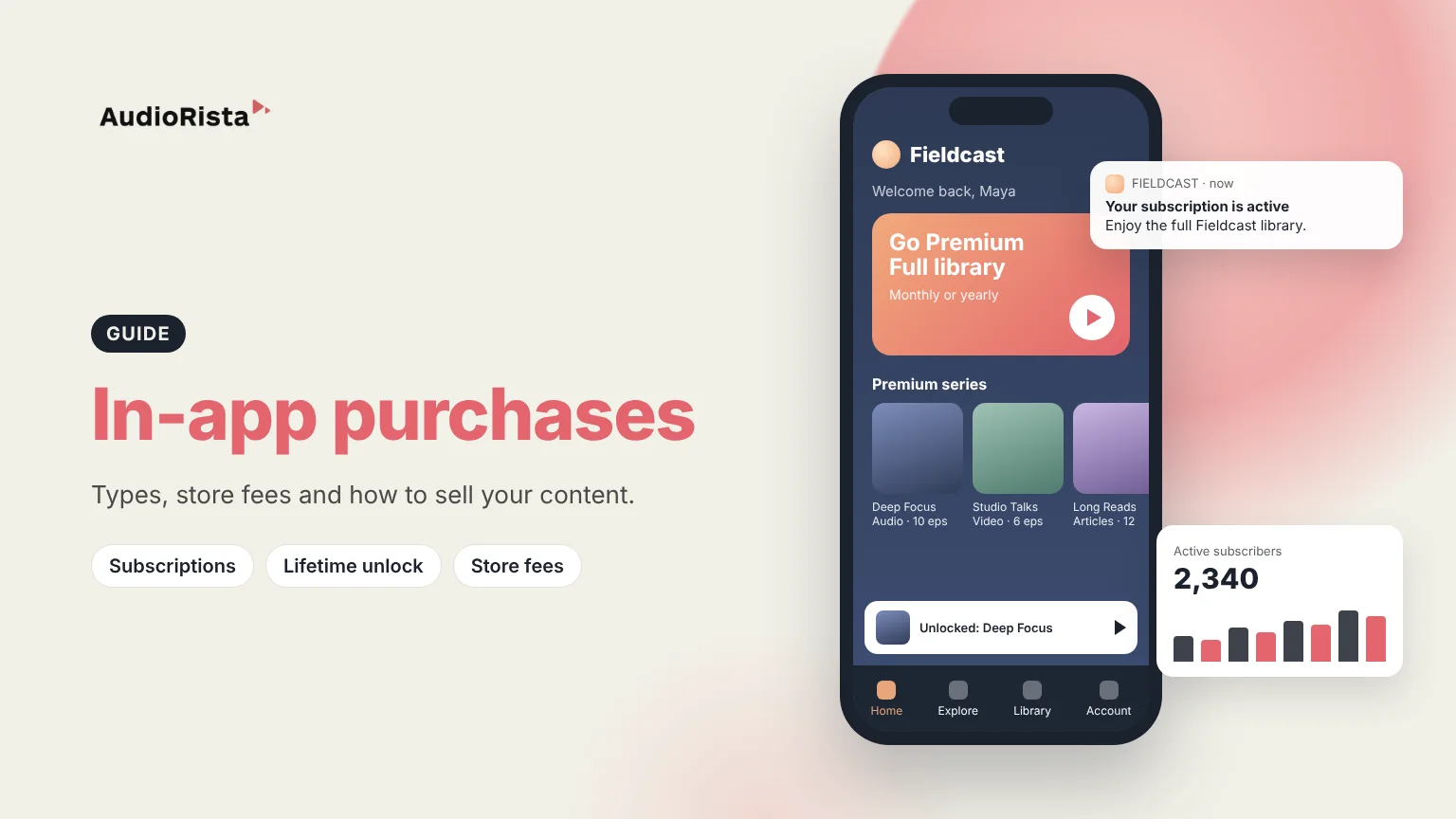
An in-app purchase is a payment made inside an app that unlocks content, a feature or a subscription, with Apple's App Store or Google Play handling the payment. For app owners, it is how you sell to people on their phones: you create products in your store accounts, the store takes a fee, and you receive the rest.
This guide covers the four types of in-app purchases, what Apple and Google charge, and how to sell content with them. If you just want to know what the "In-App Purchases" label means before you download an app, read what in-app purchase means in the App Store.
Apple describes four types in its business models guide. Google Play uses similar building blocks: one-time products, and subscriptions with auto-renewing or prepaid plans.
For most content businesses, auto-renewing subscriptions are the main product, because they match a steady flow of new content and bring in recurring revenue. Lifetime unlocks work well next to them for finished courses or audiobooks.
The store takes a commission on every in-app purchase. These are the main published rates as of October 2026. They change often, so check the linked pages before you set prices.
Audiorista apps are published in your own Apple and Google developer accounts, so these rates apply to you directly and the stores pay your proceeds to you.
Many creators and publishers used to rely on ads and sponsorships. In-app payments let audiences pay creators directly, with a payment method already saved on their phone. That has moved content businesses toward a mix: subscriptions for core fans, and one-off purchases for casual buyers who want a single course or audiobook. Content you publish often fits a subscription, and finished products fit a one-off purchase. Free content still matters, because it is how new people find you. Our guide to balancing free and premium content covers how to split it.
In-app purchases are the easiest path for buyers on iPhone and Android, who pay with their store account in a couple of taps. Web payments through a provider like Stripe usually cost less per transaction and give you the customer's name and email, which the app stores do not share, but the buyer has to pay on the web. Store rules on linking from an app to a web checkout differ by country and keep changing, so check them first. Many content businesses offer both.
Audiorista apps can sell auto-renewing subscriptions on iOS and Android through RevenueCat, lifetime unlocks, and web purchases through Stripe. You can mix free and premium content, sell bundles, and use permission levels to decide which content each member sees. If you already sell on your own website, the Membership API can unlock the matching content in the app, as in a membership app. If your plan depends on game-style coins or credits, talk to us first, because the platform is built around subscriptions and unlocking content.
In-app purchases are payments made inside an app for content, features or subscriptions. On iPhone and Android, Apple and Google process the payment and take a commission before paying the app owner.
Apple has four types: consumables, non-consumables, auto-renewable subscriptions and non-renewing subscriptions. Content apps mostly use auto-renewable subscriptions and non-consumable lifetime unlocks.
The standard rate is 30%. It is 15% for developers in the Small Business Program and for subscriptions after a subscriber's first year of paid service, and different terms apply in the EU.
You need something that checks purchases and unlocks the right content on both iOS and Android. Many apps use a service like RevenueCat for this, and Audiorista apps use RevenueCat as standard.
Want to sell subscriptions to your audio, video or articles in your own app? See how Audiorista works for exclusive content apps.

