Membership App: Must-Have Features and How to Build Your Own
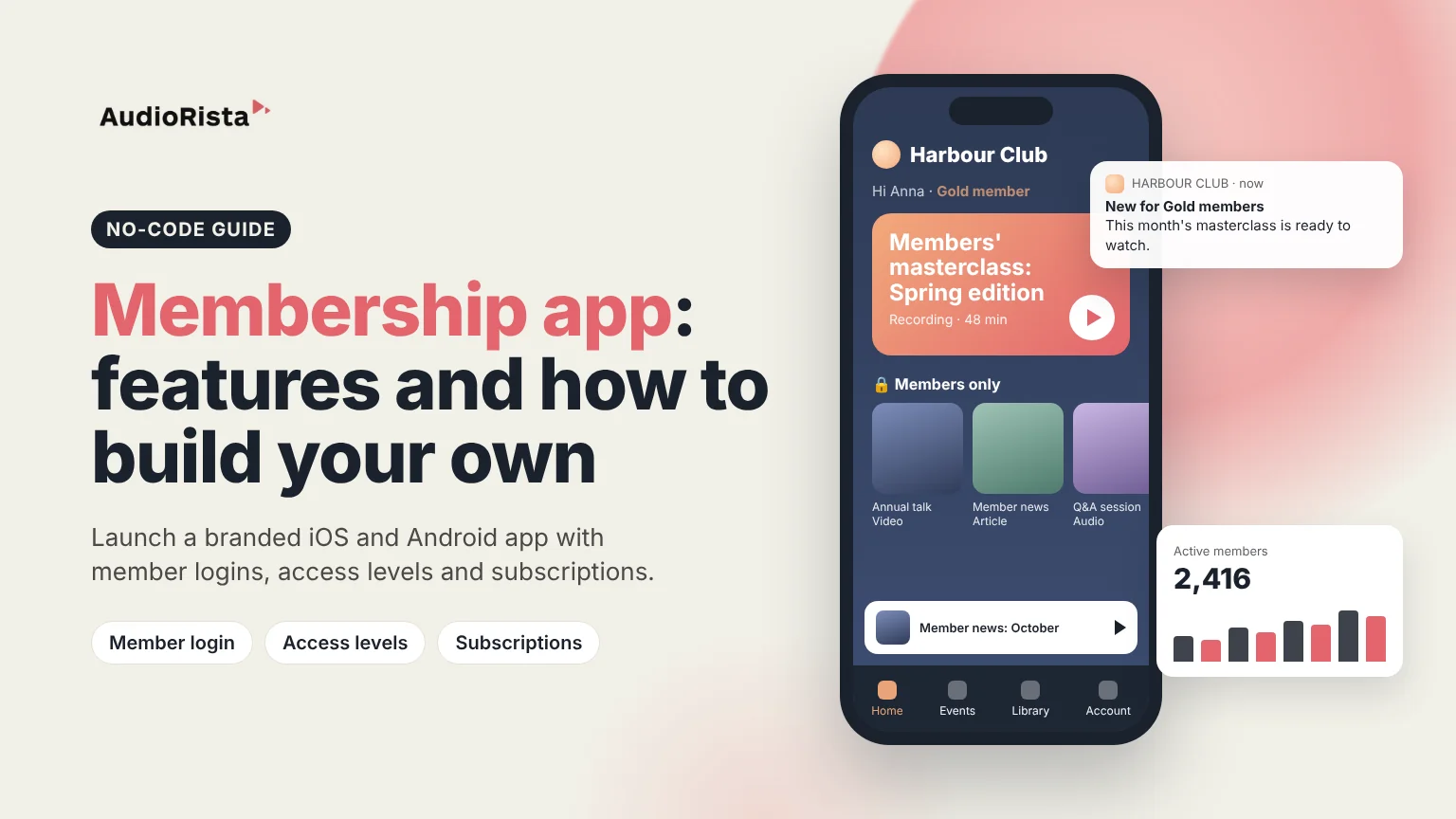
A membership app gives paying or registered members access to content, perks and updates on their phone, under your brand. To build one you can hire developers, use general membership software, or launch your own app on a no-code platform. A no-code membership app builder like Audiorista lets creators, publishers, clubs and associations launch a branded iOS and Android app with member logins, access levels and subscriptions, without writing code. This guide covers the features a membership app needs, the ways to build one, and how to launch your own step by step.
What is a membership app?
A membership app is a mobile app where members sign in and get access to things non-members don't: premium audio and video, articles, courses, member news or event recordings. Members pay a recurring fee, or get access as part of a membership they already have.
Membership apps are used by:
Creators and experts who sell a monthly subscription to their content.
Publishers who offer premium content to paying subscribers.
Clubs, trade associations and membership organisations who want to give existing members one place for news, resources and recordings.
Coaches and trainers who give clients access to programs between sessions.
Compared with a members-only area on a website, a mobile membership app sits on your members' home screen and lets you reach members directly with push notifications.
Membership app features members expect
Sign-up and secure login, so each member has their own account.
Access levels, so different tiers (for example Bronze, Silver and Gold) see different content.
Subscriptions and payments inside the app on iOS and Android, and on the web.
Content in several formats: audio, video and text, organized into collections and series.
Push notifications to tell members when something new is out.
Your own brand: your name, logo and colors in the App Store and Google Play.
Member management: look up members, change their access and invite groups of members by email.
Insight into use: which content members open and finish.
Three ways to build a membership app
Custom development
General membership software
No-code membership app builder
Time to launch
Several months
Days
Days to weeks
Upfront cost
High: you pay developers to build everything
Low
A monthly subscription
Your own app in the stores
Yes
Often not: members use the vendor's app or a website
Yes, under your name and brand
Updates and maintenance
Your developers
The vendor
Included in the platform
Best for
Organisations that need unique features
Admin tasks such as fees and registers
Creators, publishers, clubs and associations with their own content
How to build your membership app with Audiorista, step by step
Decide what members get. Which content is free, which is for members, and whether you need more than one tier.
Upload your content. Add audio, video and articles, and group them into collections and series.
Design your app with your logo, colors and app icon.
Set up access. Sell subscriptions in the app and on the web, or let existing members log in with the account they already have.
Preview it on your phone before anyone else sees it.
Publish to the App Store and Google Play.
Invite and engage members: invite groups by email, send push notifications when something new is out, and use analytics to see what members use.
You run all seven steps from one dashboard. See how creators use Audiorista to build an exclusive content app.
Already have members? Connect the system you use
Many clubs and associations already keep their members in a website or member system. You don't need to move them. Audiorista can use your existing login, for example from WordPress or Auth0, so members sign in to the app with the account they already have. You can also set access levels by hand in the dashboard, or automatically through the API or Zapier, and invite whole groups of members by pasting in their email addresses.
How membership apps make money
Monthly or yearly subscription for all member content, sold in the app through the App Store and Google Play, or on the web.
Tiers: a basic and a premium membership with different content.
One-off purchases such as a single course or event recording, unlocked for the member who bought it.
Use push notifications with care. One relevant message beats several generic ones. See how push notifications work in Audiorista.
Make the first visit count. Put your best member content where new members see it first.
Turn courses into programs. If you teach, see how educators package lessons in their own app.
FAQ
What is a membership app?
A mobile app where members sign in to get content, perks and updates that non-members don't get, usually for a recurring fee or as part of an existing membership.
What features should a membership app have?
Secure login, access levels for different tiers, subscriptions and payments, audio, video and text content, push notifications, your own branding and tools to manage members.
Can I build a membership app without coding?
Yes. With a no-code membership app builder like Audiorista you upload your content, design the app, set up access and publish it to iOS and Android without writing code.
Can members use the login they already have?
Yes. Audiorista can connect to an existing login solution, such as WordPress or Auth0, so members sign in with their current account.
How do membership apps make money?
Mostly through monthly or yearly subscriptions, often with free content to attract new members. Tiers and one-off purchases of courses or recordings add extra income.