
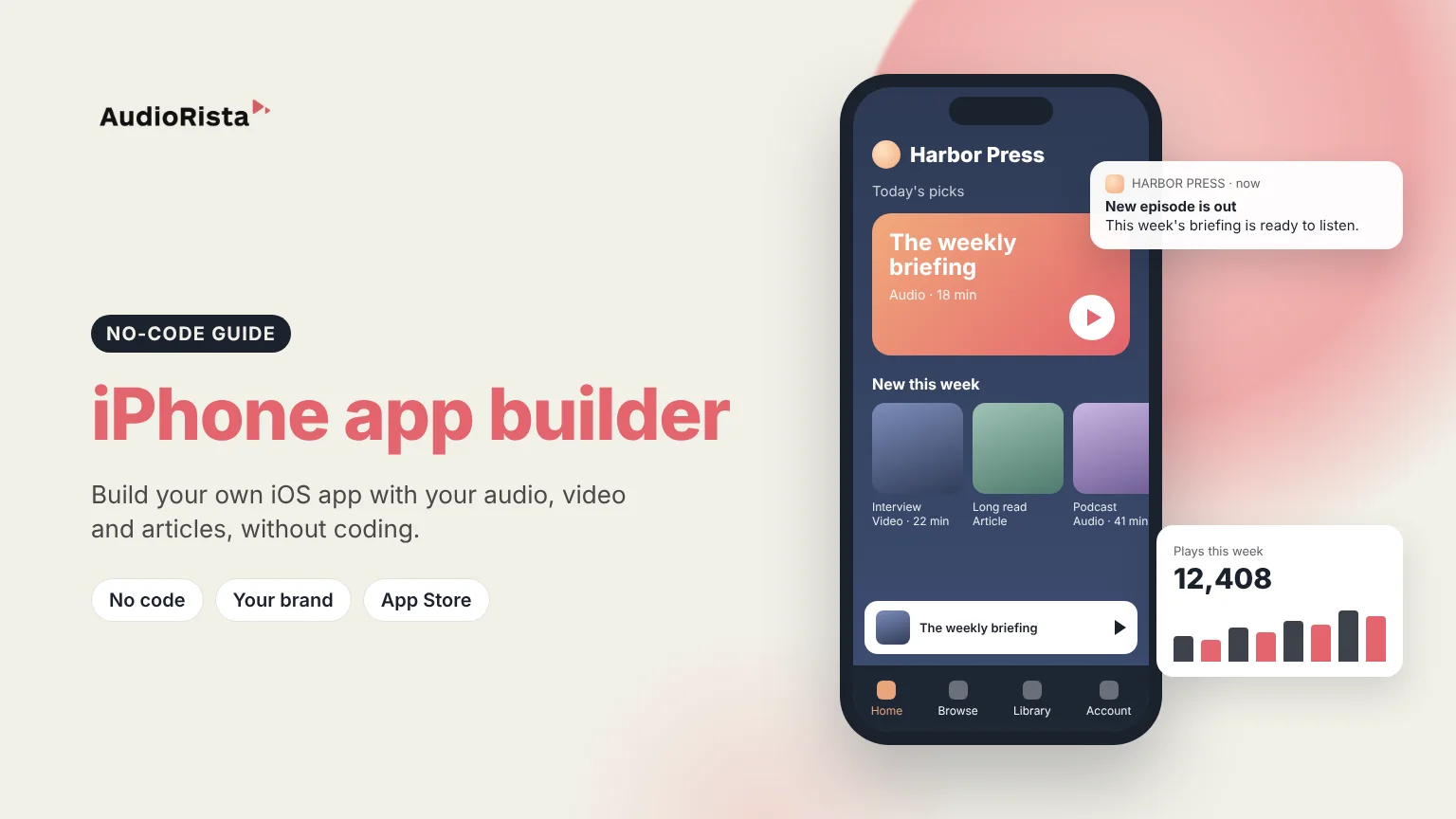
An iPhone app builder lets you create an iOS app and publish it to the App Store without writing Swift code. Instead of hiring developers, you add your content, design the app with your brand, and the platform produces a native app that Apple can review like any other. Audiorista is an iPhone app builder made for content: audio, video and text that you can give away or sell by subscription, in an app that also runs on Android. This guide explains how iOS app builders work, how to choose one, and what it takes to get your app live.
Every app builder starts from a ready-made app that already handles the hard parts, such as playback, logins, payments and push notifications. You fill it with your content and set your name, logo, colors and app icon. The builder then creates the iOS version of your app, which is submitted to Apple through your own developer account. When you add new content later, it appears in the app straight away, without a new App Store release.
App builders differ mostly in what kind of app they are made for. Some make simple business apps from a website, some make online shops, and some, like Audiorista, make media and learning apps where people listen, watch and read. Choosing a builder made for your kind of app matters more than any single feature.
Start with the content your app will hold. If it is audio, video or articles, check that the builder plays them well, lets you organize them into collections and series, and lets you add new content yourself from a dashboard. Audiorista handles all three formats in one app and streams video through Mux.
Next, look at how you will earn money. Most content apps sell subscriptions, and on the iPhone those are sold through Apple's in-app purchases, so the builder must support them. Audiorista supports subscriptions inside the app on iOS and Android and on the web, so you can also sell to people who never open the App Store. Read more about what in-app purchases mean in the App Store.
Then check that the app is truly yours. A white-label builder publishes the app under your name in your own developer account, with your logo and colors, and lets you see and export your user data. Finally, think beyond the iPhone: most audiences are split between iOS and Android, so a builder that publishes to both from the same content saves you from running two projects.
Our guide on how to get an app on the App Store explains the Apple side in detail, and our guide to App Store optimization helps people find your app once it is live.
Yes. With a no-code iPhone app builder like Audiorista you add your content and design the app from a dashboard, and the platform builds the iOS app for you.
Not with a no-code builder, because the app is built for you. You do need an Apple developer account to publish it in your own name, and Apple asks for an Apple device such as an iPhone, iPad or Mac when you enroll.
Apple charges $99 a year for its developer program. On top of that comes the cost of building the app, which with a no-code builder is a monthly subscription instead of a development project.
Some builders have free plans or trials, but publishing to the App Store always requires Apple's paid developer program, and free plans usually limit branding or features.
Ready to build your own iPhone app? See how Audiorista works.

