
AI content tagging means giving a model your content, or a description of it, and asking it to pick labels from a list you control. For most publishers, the quickest way to auto-tag a content library is to export titles and descriptions to a spreadsheet, have a language model such as ChatGPT or Claude suggest tags for each row, check the result and import it back.
It works for articles, podcasts, audiobooks and video. The AI does the reading; you keep control of the tag list.
Language models are good at reading a title, description or transcript and deciding which topics it covers. They are fast, which makes them useful for back catalogues that were never tagged properly.
The weak spot is consistency. Let a model invent tags and you get "Mindfulness", "mindfulness practice" and "Mindful living" for one idea. Near-duplicate tags split your content into thin piles and make filters worse. The fix: never let the AI invent tags. Give it a fixed list and ask it to choose.
Before you open any AI tool, write down the tags you want. Keep the list short enough for your audience to scan, and decide on spelling once: singular or plural, capitals, no near-duplicates. Then write a one-line definition for any tag that could be misread, for example "Leadership: managing people and teams, not personal productivity." Those definitions go straight into your prompt and do more for accuracy than any choice of tool.
Text is easy. Audio and video need one extra step that turns them into text or labels first.
For most content teams, a general AI assistant and a spreadsheet are enough. The video APIs are built for developers and only pay off with a large archive and someone who can write a small script. Digital asset management (DAM) systems with built-in tagging suit companies managing files internally more than publishers helping an audience find the next episode.
Here is an example prompt you can adapt:
You are tagging a podcast library. Use ONLY tags from this list: [paste your tag list with definitions]. For each row below, return the ID and one to three tags, separated by commas. If no tag fits, write NONE. Do not create new tags. Rows: [paste rows]
Asking for NONE shows you where your tag list has gaps, instead of hiding them under the closest wrong tag. If your content isn't public yet, check your AI tool's data settings first.
Audiorista does not tag content with AI. It puts the tags you create to work in your branded app. In the dashboard, tags sit on each title, and you can export all titles with their metadata to CSV, edit the tags in a spreadsheet and upload the file again to update them in bulk, as described in the help article on batch updates. That matches the workflow above.
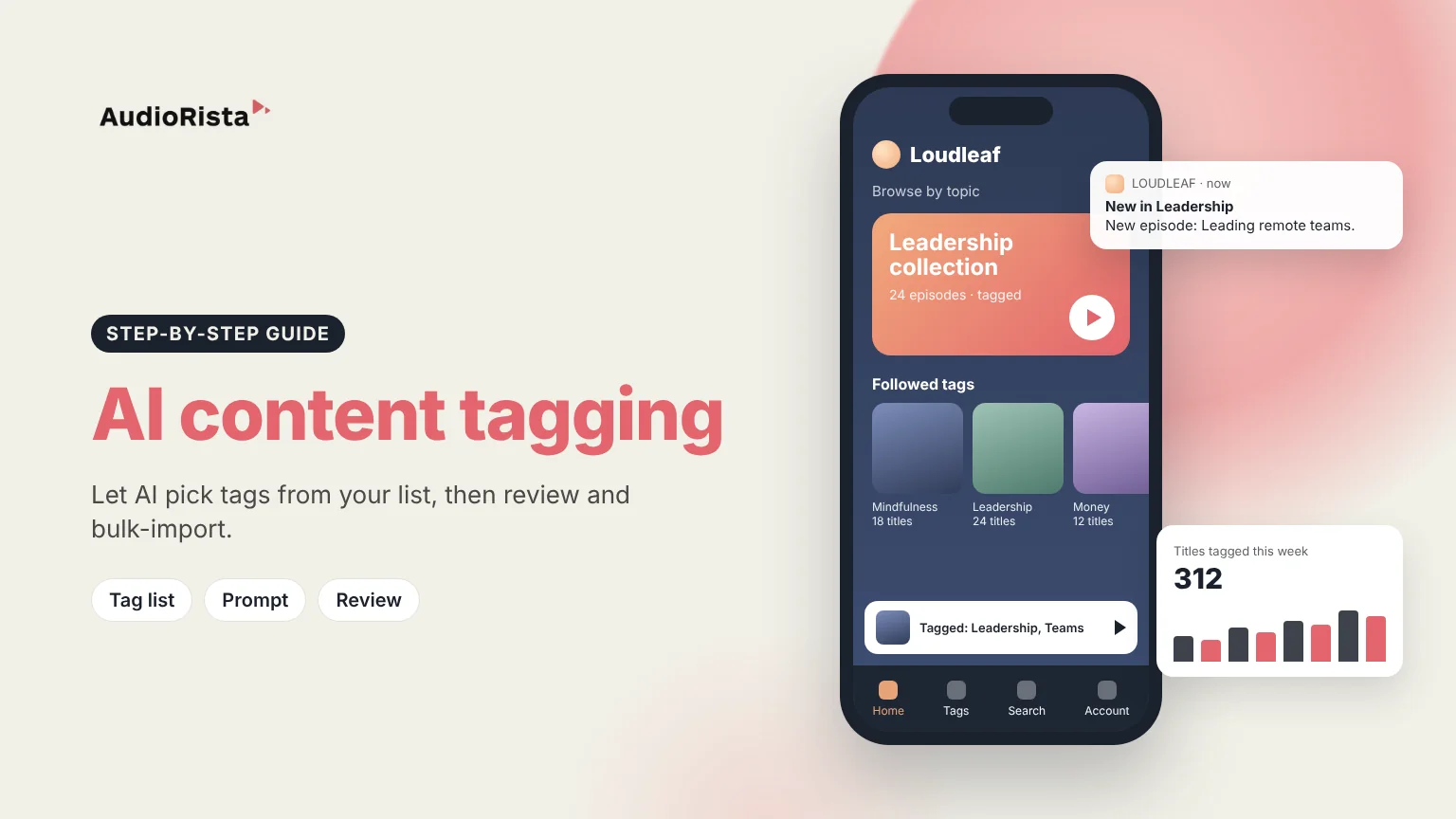
In the app, tags you choose to show appear on a title's page as links to related content and as filters in feeds. Dynamic collections fill themselves with every title carrying a given tag, so a new episode tagged "Leadership" lands in that collection automatically. You can also add a tab where users follow the topics they care about, plus a search tab. This matters most for publishers with large catalogues, podcast networks and video libraries.
Write a fixed tag list, export titles and descriptions to a spreadsheet, and ask an AI assistant to choose tags from your list for each row. Check a sample, then import the tags.
Using software, usually a language model or a computer-vision service, to fill in fields such as topic, people or places for each piece of content instead of typing them by hand.
Yes. Video APIs detect objects and scenes, and a transcript lets a language model tag the topics discussed. For topic tags, the transcript is usually more useful.
Plugins such as TaxoPress add your existing tags when a post's title or text contains matching terms, and its Pro version connects to AI services including OpenAI. Review the results, because word matching misses context.
Have a large audio, video or text library? See how publishers use Audiorista to turn it into a branded app where tags and collections help people find the next thing to play.

