
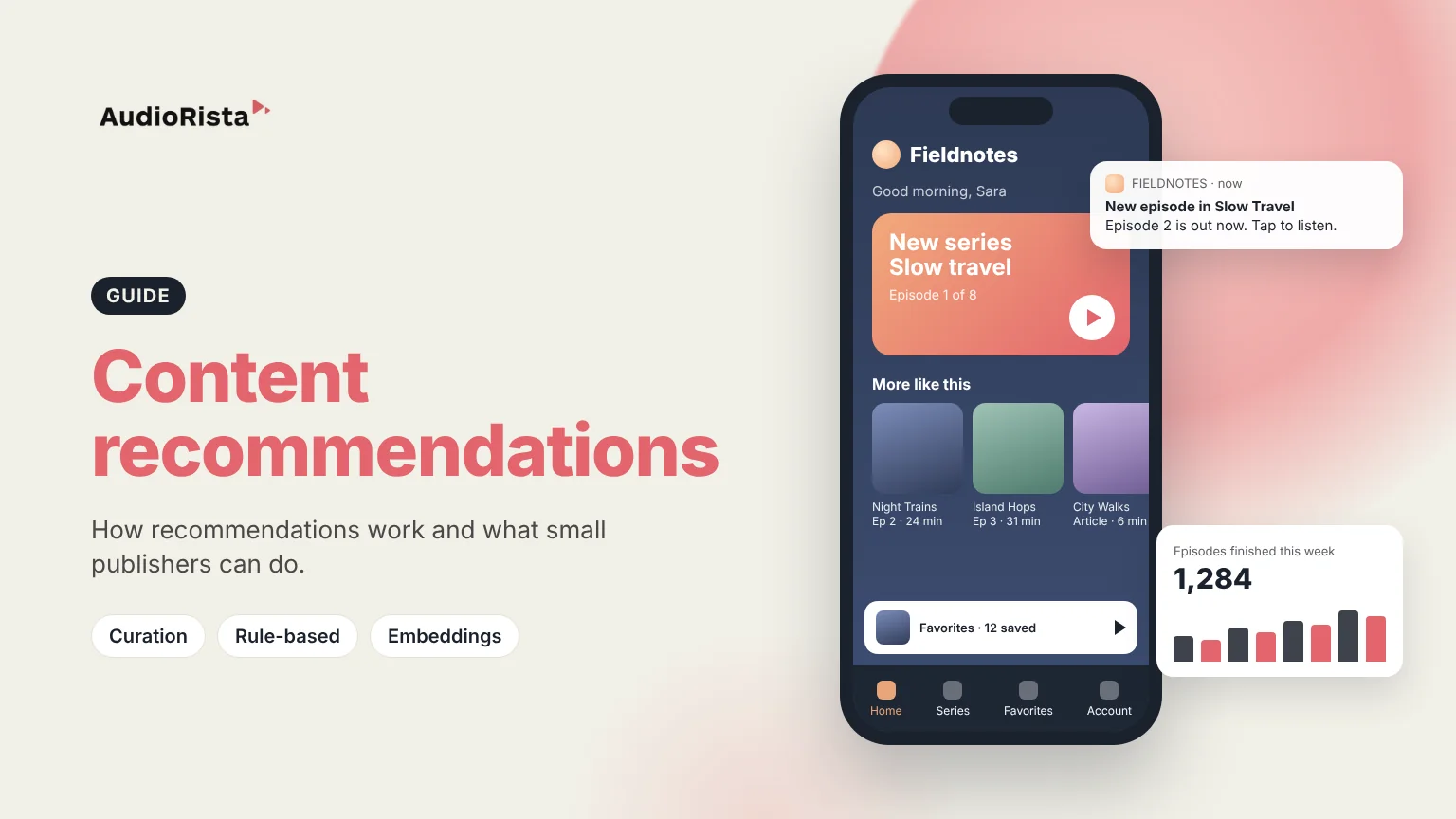
Personalized content recommendations suggest the next article, episode or video to each user, based on what that user and people like them have read, watched or listened to. AI content recommendations do the same job with machine learning models instead of hand-written rules, but they need a lot of usage data before they beat simple, well-planned rules.
Netflix, Spotify and YouTube open on a screen picked for each person, so a content app that shows the same list to everyone now feels dated. Users simply expect the app to know what they have played and to offer a sensible next step.
For a smaller content business the stakes are practical. A subscriber who finishes one item and sees no obvious next one is more likely to close the app, and eventually to cancel. Good recommendations are less about clever technology and more about never leaving someone at a dead end.
There are four common approaches. Large platforms combine them. Small catalogs get most of the value from the first two.
Rule-based systems are easy to understand and fix, but everyone who matches the same rule sees the same thing.
Content-based systems compare items with each other. The modern version uses embeddings: an AI model turns each description or transcript into a list of numbers, so items about similar topics end up close together. That lets you show "more like this" even when two items share no tags.
Collaborative filtering learns from behavior rather than content. It can surface items a user would never have searched for, but it struggles with new items that nobody has played yet. Google's machine learning course calls this the cold-start problem. Generative AI is also used to write tags and summaries for a catalog, which then feed the simpler methods.
Audiorista does not have a built-in AI recommendation engine. If you need per-user algorithmic ranking today, you will need a separate service. What Audiorista gives you are the building blocks for the curated and rule-based approach that suits most small and mid-sized catalogs.
You organize audio, video and articles into collections and series, place those collections on your home and content screens, and curate a feed that shows your best content first. Permission levels, for example Bronze, Silver and Gold, control which content each member sees, so free and paying users get a different app. Our guide to building a membership app explains that setup.
On the Business plan and up, push notifications let you tell members when something new is out. Analytics show what users play and finish, and each user has a listening history and favorites. That covers steps two to six above.
Whatever method you use, collect only the data you need and explain it in your privacy policy.
They are suggestions of articles, episodes or videos chosen for one user, based on that user's behavior and the behavior of similar users, instead of the same list for everyone.
An AI model learns from plays, completions and skips, and often from item descriptions, then ranks items by how likely each user is to engage with them. It needs a lot of data to work well.
Most engines combine collaborative filtering, content-based filtering with embeddings, and business rules. Large services add machine learning models that re-rank the candidates for each user.
Collect data. Without a record of what people play, read and finish, no model can find patterns or make predictions.
No. Audiorista gives you collections, series, a curated feed, permission levels, push notifications and analytics, so you can guide members to the next item yourself.
Want a content app where every member has a clear next step? See how Audiorista works for publishers.

