
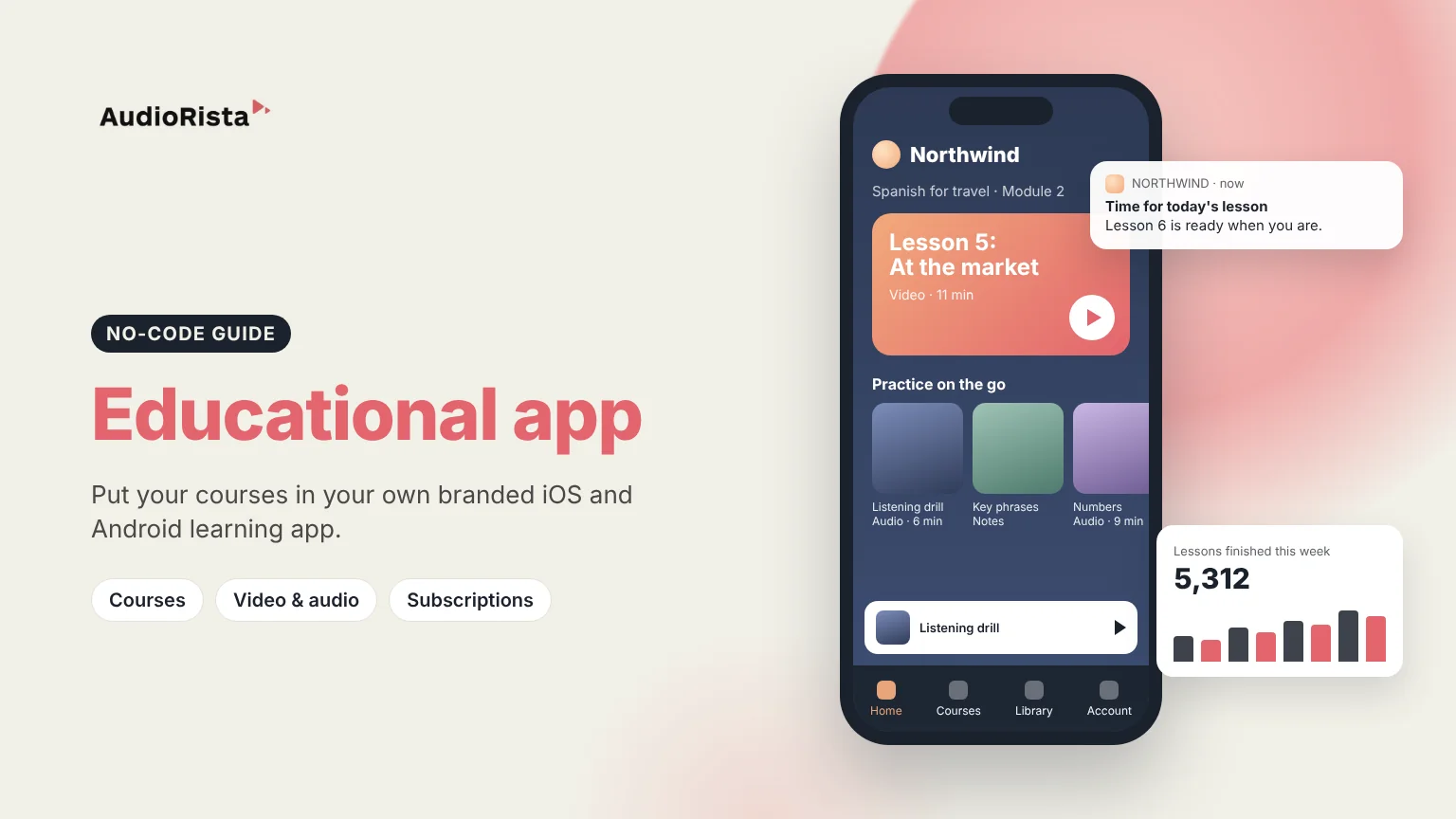
To create an educational app, you decide who it is for and what they should learn, turn your material into lessons in video, audio and text, choose how learners get access, and publish the app to the App Store and Google Play. You can hire developers to build it from scratch, or build it yourself with a no-code platform like Audiorista, which lets educators, course creators and training companies launch a branded learning app without writing code. This guide takes you through both routes, the features learners expect, and the steps to launch.
Learners study on their phones, in short sessions, on the bus or between meetings. A dedicated app puts your courses on their home screen under your name, instead of in a browser tab or on a course marketplace next to everyone else's. You decide the price, you own the relationship with your learners, and you can remind them to keep going with push notifications.
If your idea is a game-like app with exercises that react to each answer, you will most likely need custom development. If your app is about delivering courses and lessons, a no-code platform is the fastest and cheapest route.
See how educators use Audiorista.
With custom development you pay developers, designers and testers for the first version, then for every update and new operating system version. A no-code platform replaces that with a monthly subscription, and you add lessons yourself. If you sell inside the app, Apple and Google take a fee on each purchase, so include that when you set your prices.
Define your learners and goals, plan your courses, record your lessons, upload them to a no-code platform like Audiorista, design the app, set up access and publish to the App Store and Google Play.
Yes. With a no-code app builder you upload lessons, design the app and publish it from a dashboard. Apps built around games or adaptive exercises usually need custom development.
Custom development is the most expensive option, with costs for the first version and every update. A no-code platform costs a monthly subscription instead.
Through subscriptions, single courses, free lessons that lead to paid courses, and deals that give a school or company access for a group of learners.
Ready to create your own educational app? Start building with Audiorista.

