
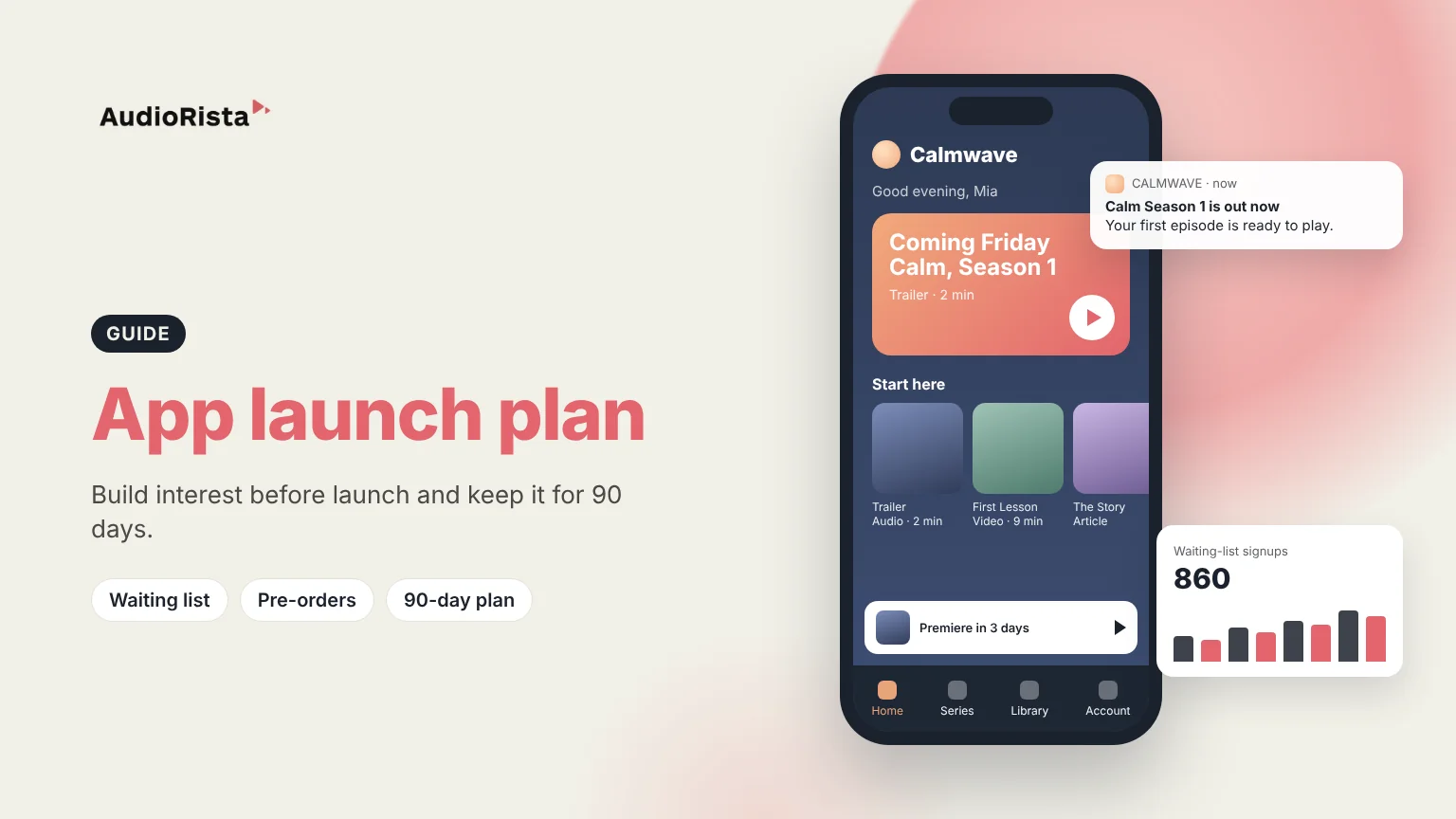
To market your app before launch, decide exactly who it is for, collect signups from those people, prepare enough content that they have a reason to install, and use the App Store's pre-order and Google Play's pre-registration features so interest turns into installs on day one. Then plan what you publish in the first 90 days, because most of the work of keeping new users starts after launch day.
A pre-launch plan only works if you can describe your user in one sentence: who they are, what they want from the app and why they would pay for it. "Runners training for their first marathon who want weekly audio coaching" gives you something to work with. "Anyone interested in fitness" does not.
Most content businesses already have this audience somewhere: newsletter readers, podcast listeners, students, members or social followers. Start there, because these people already trust you. Paid ads come later.
Start six to eight weeks before your planned launch date. That gives you time for testing and store review without rushing.
Leave room for app review. Apple says it reviews at least 50% of submissions within 24 hours and 90% within 48 hours, and a rejection adds another round. Our guide on how to get an app on the App Store explains the process.
Apple lets you offer a new app for pre-order with a release day 2 to 180 days after the pre-order is published. On release day the app downloads automatically to the devices of people who pre-ordered, and they get a notification.
Google Play has pre-registration, which can run for up to 90 days per country. At launch, pre-registered users get a push notification from Google Play, and eligible devices install the app automatically. Newer personal developer accounts must meet testing requirements first. If you also want paid reach on Android, Google Ads offers App campaigns for pre-registration; see our guide to Google Ads for app installs.
The easiest pre-launch content is a sample of what the app will hold: a trailer, a first episode, a short lesson. Post it where your audience already is and link to the waiting list.
If you build with Audiorista, two features help here. Share pages give an individual title its own branded landing page with a custom link, which works well for campaigns. On Business and Enterprise plans, podcast distribution lets you publish teaser episodes to Apple Podcasts and Spotify through an RSS feed, with full episodes kept inside your app.
Launch day gets attention. The weeks after decide whether people stay. A 90-day plan keeps you publishing steadily instead of emptying your backlog in week one.
Repurpose as you go: one recorded session can become an episode, a video clip, a written summary and a social post. Use push notifications (Audiorista Business plan and up) to tell users when something new arrives, and keep a mix of free and premium content so new users can try before they pay.
Before launch, track waiting-list signups and how many beta testers actually use the app. After launch, look at installs, subscriptions and what people play and finish. In Audiorista, listening and viewing analytics show which content holds attention, and subscription data comes from RevenueCat for App Store and Google Play and from Stripe for the web. If users stop after the first item, fix the content before spending on promotion.
Define your target user, build a waiting list from your existing audience, share sample content, run a beta and open App Store pre-orders or Google Play pre-registration so signups install on launch day.
A clear promise, a waiting list, launch content, store listings, a launch-week schedule and a content plan for the first 90 days, plus the numbers you will track.
Six to eight weeks is a practical minimum for most content apps. It leaves time to collect signups, run a beta and get through app review.
A schedule of what you publish in the first three months after launch, in phases for getting installs, building a habit and growing.
Planning a content app launch? See how Audiorista helps you launch a branded subscription app for your audio, video and text content on iOS, Android and the web.

