
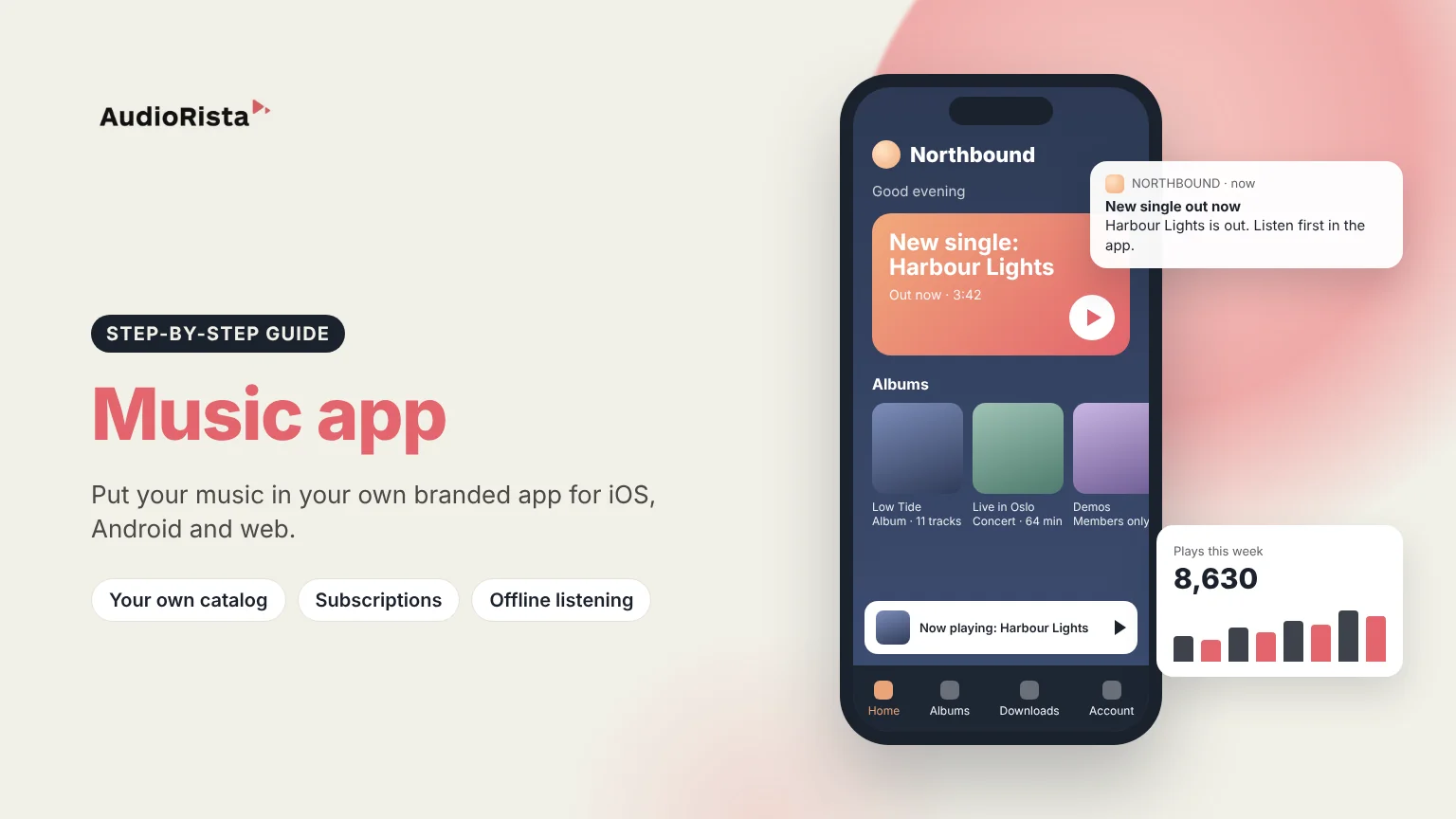
To create a music app, you need music you have the rights to stream, an app for iOS, Android and the web that plays it, and a way for fans to pay. You don't need to hire developers for any of it. With Audiorista, you upload your tracks and albums to a dashboard, design the app with your own name and artwork, and publish it in the App Store and Google Play under your own account.
This guide is for artists, bands, labels and music teachers. It explains what you need, what it costs, and how to build a music app yourself.
The most important thing is the music itself. You can stream music you own, or music you have licensed for streaming in your own app. If you want to play other artists' songs, you need permission from the rights holders, and that is a separate deal you make yourself. Audiorista is the app and the platform behind it. It is not a distributor, so it doesn't send your music to Spotify or Apple Music. Many artists use both: a distributor for the big streaming services and their own app for their closest fans.
Next, decide who the app is for and what makes it worth installing. Fans already have Spotify. Your app should offer something they can't get there, such as early releases, live recordings, demos, behind-the-scenes stories or lessons.
For most artists and labels, no. A custom-built music app means paying developers to build the player, the streaming, the payments and separate versions for iPhone and Android, and then paying again every time Apple or Google update their systems.
Audiorista was made so you can do it yourself. The setup wizard takes you through the basics, you upload your music from the dashboard, and Audiorista builds and uploads the apps for you. If you would still like someone to set it up for you, contact us and we will help you find a consultant who works with Audiorista.
Fans want to find your music quickly and listen anywhere. In an Audiorista app, they can browse your albums and collections, save favorites and download tracks to listen offline. You can schedule a release so a new track appears at a set time, and send a push notification the moment it is out (push is included on the Business plan and above).
Your app also works together with your website. The Audiorista player widget lets you embed a player on a WordPress, Squarespace or Wix site, and every track can have its own share page, so a link on social media leads fans straight to your music.
Most music apps earn through a subscription that gives fans everything you publish, paid inside the iOS and Android apps or on the web through Stripe. You can also sell a single album or unlock specific tracks for a fan, which suits a special release or a recorded concert.
Permission levels let you run tiers, so supporters on a basic plan hear one part of your catalog and top supporters hear everything. Free tracks give new listeners a reason to install the app, and subscriber-only releases give them a reason to pay. Our guide to exclusive content for app subscribers has ideas that work well for artists. Music teachers can follow the same model with lessons, as in this song cover tutorials app.
With custom development, the biggest cost is the developers who build and maintain the app. With Audiorista, you pay a monthly plan instead. Either way, you pay a few fees yourself: the Apple Developer Program costs $99 per year, Google Play charges a one-time registration fee, and Apple and Google take a share of in-app purchases.
Upload your music to a no-code platform like Audiorista, design the app with your name and artwork, choose how fans pay, and publish it to the App Store and Google Play.
No. With Audiorista you build and update the app from a dashboard. Audiorista builds the iOS and Android apps for you.
Yes. Audiorista publishes your app for Android and iPhone, plus a web app, from the same dashboard.
Not entirely. Even with a no-code platform, Apple charges $99 per year for a developer account and Google Play has a one-time fee. A no-code plan is still far cheaper than paying developers.
No. Audiorista is not a music distributor. It gives you your own app, which you can run alongside the streaming services.
Ready to launch your own music app? See how the Audiorista music app builder works.

