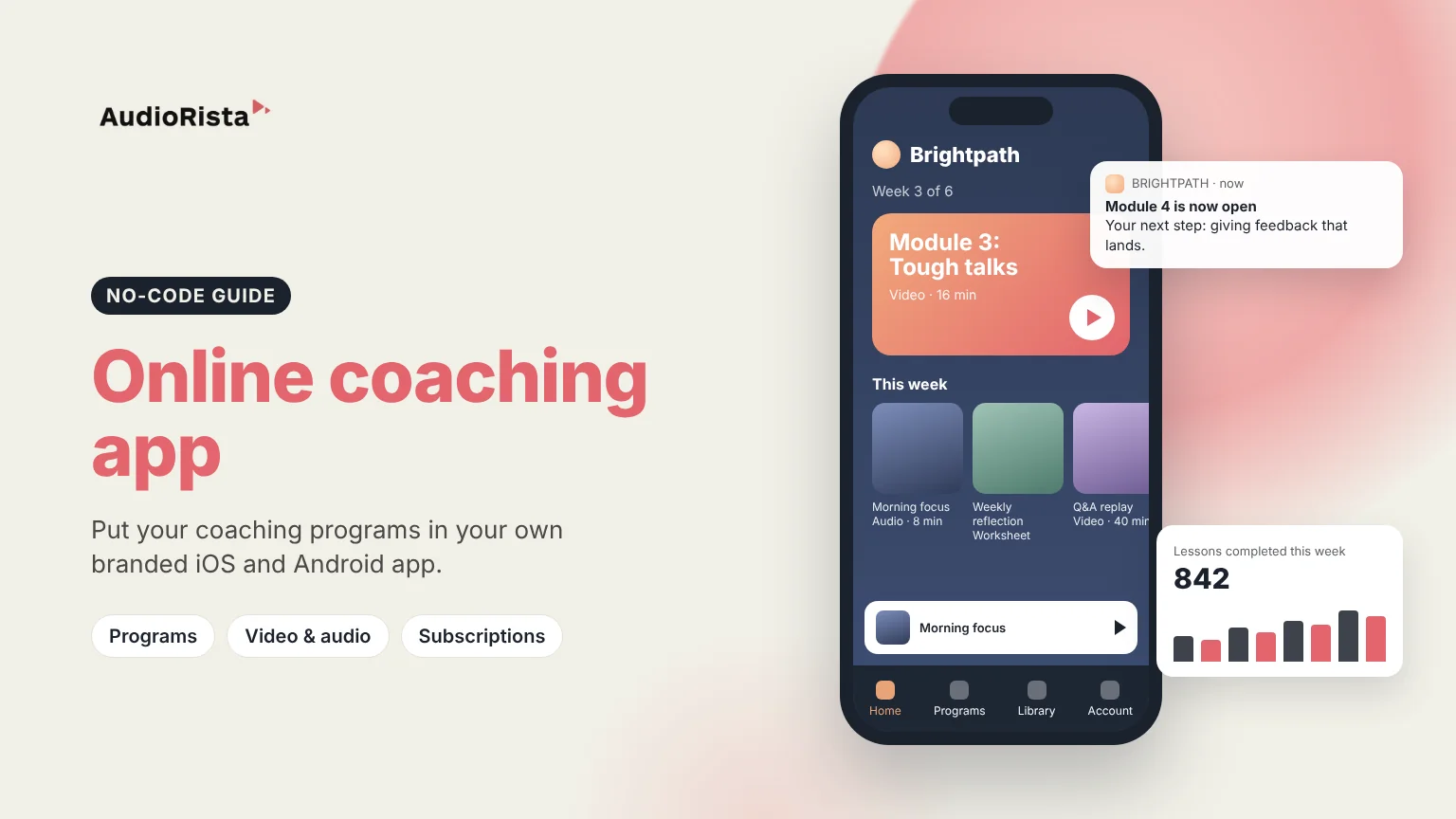
How to Create an Online Coaching App: A Step-by-Step Guide
To create an online coaching app, you package your coaching into programs of video, audio and text, choose how clients pay, and publish the app under your own brand. You can hire developers, use an all-in-one coaching platform, or build your own app with a no-code platform like Audiorista, which lets coaches launch on iOS and Android without writing code. This guide compares the options, lists the features clients expect, and takes you through the steps.
Why coaches build their own coaching app
Most coaches start with email, a website, social media and a course platform. It works, but clients have to look in several places, and you compete for attention with everything else on their phone. Your own app puts your programs on your clients' home screen, under your name. Clients always know where the next lesson is, and you can reach them directly with a push notification when something new is ready.
Three ways to create an online coaching platform
Custom development
All-in-one coaching or course platform
No-code app builder
Time to launch
Several months
Days
Days to weeks
Upfront cost
High: you pay developers to build everything
Low
A monthly subscription
Your own app in the stores
Yes
Sometimes, often as an add-on
Yes, under your name and brand
Updates and maintenance
Your developers
The platform
Included in the platform
Best for
Coaching companies with unique features in mind
Coaches who mainly sell courses on the web
Coaches who want their programs in their own mobile app
Programs and courses that take clients through lessons in order, such as a 6-week program.
Video, audio and text: video for demonstrations, audio for clients on the go, text for worksheets and notes.
Subscriptions and payments inside the app on iOS and Android, and on the web.
Access levels, so different programs or tiers see different content.
Groups, so you can invite a company or a cohort of clients at once.
Push notifications to remind clients and announce new content.
Your own brand: your name, logo and colors in the App Store and Google Play.
Analytics on which lessons clients use and finish.
Audiorista is built for delivering coaching content. For 1:1 calls, booking and client messaging, many coaches use a separate tool alongside their app.
How to create your coaching app with Audiorista, step by step
Define your program. Who it is for, the result clients get, and how many weeks or modules it takes.
Record your content. Short videos and audio lessons work well on a phone. Add worksheets and notes as text.
Upload and organize it in the dashboard, grouped into programs and modules.
Design your app with your logo, colors and app icon.
Choose how clients pay or get access: a subscription, single programs, or free access you give to your existing 1:1 clients.
Preview it on your phone before anyone else sees it.
Publish to the App Store and Google Play.
Engage: send push notifications when a new module opens, and use analytics to see where clients drop off.
Company deals: sell access to a whole team and invite them as a group. More in our guide to membership apps.
What it costs to build a coaching app
Custom development means paying developers and designers for the first version, then for every update. An all-in-one platform or a no-code app builder replaces that with a monthly subscription. On top of that, Apple and Google take a fee on purchases made inside apps, so include that when you set your prices.
FAQ
How do I create an online coaching app?
Define your program, record your lessons, upload them to a no-code platform like Audiorista, design the app with your brand, choose your prices and publish to the App Store and Google Play.
Can I build a coaching app without coding?
Yes. With a no-code app builder you build and update the app from a dashboard, without writing code.
What should a coaching app include?
Structured programs, video, audio and text lessons, payments, access levels, push notifications and your own branding.
Is an app better than a coaching website?
They do different jobs. A website helps new clients find you, and an app keeps existing clients engaged with your programs every day. Many coaches use both.