
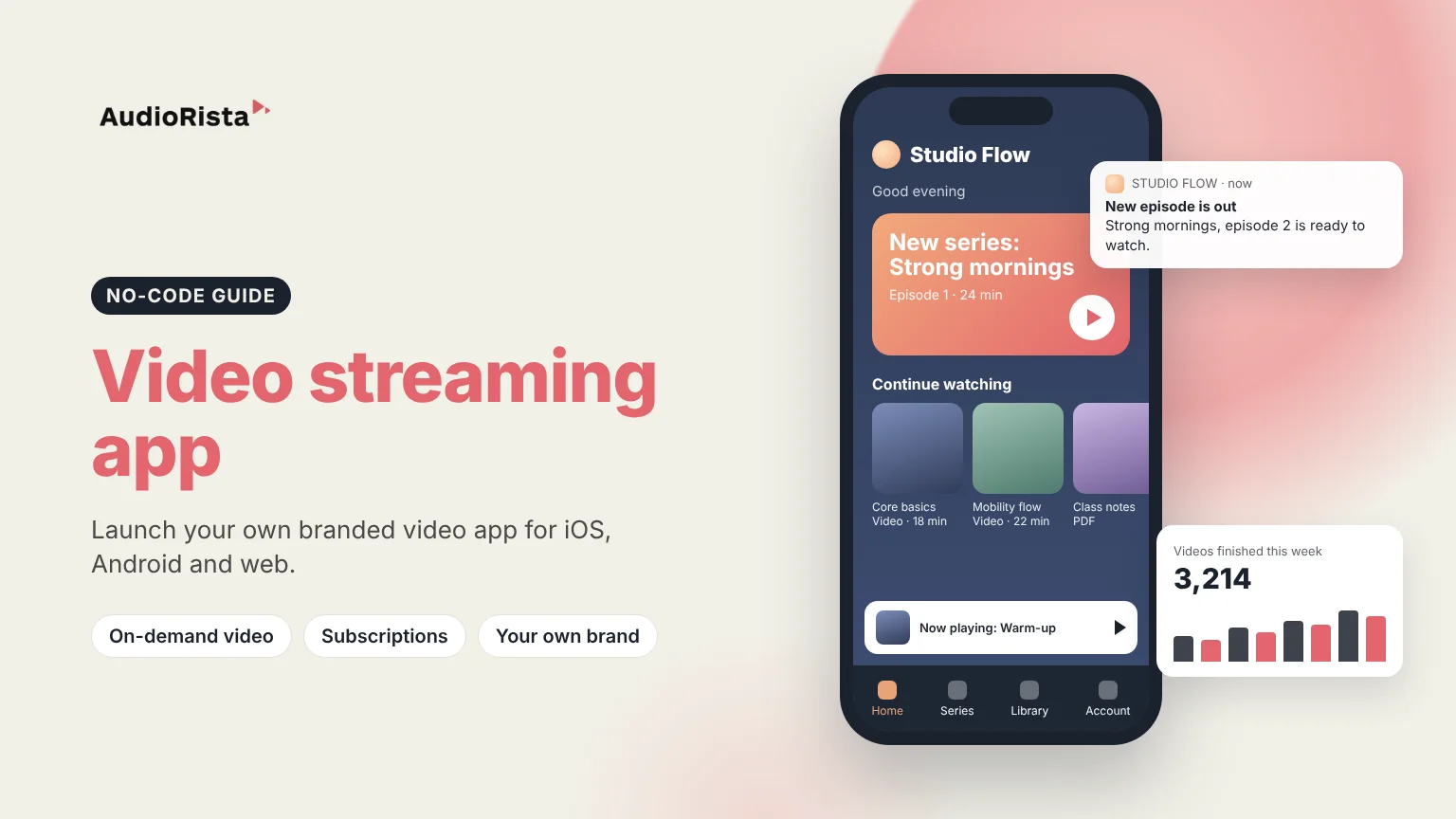
To build a video streaming app, you need three things: a place to host and stream the video files, an app on iOS, Android and the web that plays them, and a way to control who can watch. You can code all of that yourself, or you can use a no-code platform like Audiorista, where you upload your videos to a dashboard and get your own branded app published under your own name in the App Store and Google Play.
This guide explains how video app development works, what it costs, and how to launch an on-demand video app with Audiorista, step by step.
A streaming app looks simple from the outside. Behind the screen, it needs video hosting that converts each upload into formats phones can stream smoothly, a player inside the app, a content management system to organise the library, user accounts, payments, and separate builds for iOS, Android and the web. Every one of these parts needs maintenance when Apple and Google release new versions of their operating systems.
That is why most custom builds need a team of developers and a long project plan. For a publisher, educator or creator whose real job is making video, the technical stack quickly becomes the main project instead of the content.
The choice comes down to how unusual your app needs to be. If you are building a new kind of product with features nobody offers, custom development makes sense. If you want a branded app where your audience can watch your videos, browse series and pay for access, a no-code platform gets you there with far less risk.
One honest note: Audiorista is built for on-demand video libraries. If live broadcasting is the core of your plan, this will work, but we will have to activate the option manually for now.
How to build a video streaming app with Audiorista
Here is the path from idea to a published app. Most of the work is about your content, not technology.
Most video apps run on subscriptions. With Audiorista, viewers can subscribe inside the iOS and Android apps through the App Store and Google Play, or on the web through Stripe. You can also sell bundles or unlock single videos for a specific viewer, which suits one-off workshops or courses.
Permission levels let you run tiers, so a basic member sees one part of the library and a premium member sees everything. If you already sell memberships on your own website, the Membership API can unlock the same content in the app. For more ideas, see our guide on how to sell videos online.
A custom build has a large upfront cost for design and development and an ongoing cost for hosting, maintenance and store updates. With a no-code platform, the cost is mainly a monthly plan, which makes the budget predictable.
Whichever route you choose, you pay a few fees yourself. The Apple Developer Program costs $99 per year, Google Play charges a one-time registration fee, and your Mux account is billed by Mux based on your usage. Apple and Google also take a share of in-app subscription revenue, which is worth including in your pricing.
Publishing the app is the start. Release new videos on a steady schedule so subscribers have a reason to come back. Push notifications (on the Business plan and above) tell viewers when a new episode is out. Analytics show which videos people start and finish, so you can make more of what works. If you are still comparing ways to deliver video, our overview of video on demand platform providers explains the main options.
Yes. With Audiorista you upload your videos, set up your app in a dashboard and publish branded apps for iOS, Android and the web without writing code.
A custom build often takes months. With a no-code platform, most of the time goes into preparing your content and getting your developer accounts approved.
Audiorista streams video through Mux. You connect your own Mux account once, and after that you upload and manage videos from the Audiorista dashboard.
Yes. The app is published in your own Apple and Google developer accounts, so your brand is what viewers see in the stores.
Yes. The same app can hold video, audio and PDF documents, which is useful for courses that combine lessons with worksheets.
Ready to launch your own video app? See how the Audiorista video app builder works.

