

Best Apps to Record Song Covers on Your Phone
The best app for recording song covers depends on what you want to make. GarageBand is a free, full recording studio for iPhone and iPad. BandLab is a free multitrack studio that works on iPhone, Android and the web. Smule is built for singing along to karaoke backing tracks and duets. Whichever app you choose, a quiet room and a pair of headphones do more for the sound than any setting. And if you teach singing or guitar, you can go a step further and put your cover tutorials in your own app, which is what Audiorista is for.
Apps to record song covers on your phone
GarageBand comes from Apple and is the natural starting point on an iPhone. You can import a backing track, record your vocals on a separate track, record several takes and add effects such as reverb, then export the finished song. It is free, but only available on Apple devices.
BandLab works much like GarageBand but runs on iPhone, Android and in the browser, and it saves your projects in the cloud, so you can start a cover on your phone and finish it on a computer. It includes vocal effects and tuning, and it is free to use.
Smule takes a different approach. Instead of building a song track by track, you pick a song from its catalog and sing along to the backing track, alone or as a duet with other singers. It is the quickest way to make a cover for fun and share it, but you have less control over the mix than in a recording app.
If you mostly want to practice, the voice memo app already on your phone is enough to record yourself and listen back. When you are ready to publish, a multitrack app like GarageBand or BandLab gives you a cleaner result.
How to record a song cover on your phone
- Find a backing track in the right key for your voice, or record the instrument part yourself first.
- Choose a quiet room with soft furnishings. Curtains, a sofa and a rug absorb echo better than bare walls.
- Wear headphones while you sing, so the backing track does not leak into your vocal recording.
- Warm up for a few minutes before you record. Your first takes will sound better for it.
- Keep a steady distance from the microphone, about a hand's width, and turn the input level down if loud notes distort.
- Record several takes and keep the best parts of each, section by section.
- Mix gently Balance the vocal against the backing track and add a little reverb, but not so much that it hides the voice.
An external microphone that plugs into your phone is the most useful upgrade once you record regularly, but many good covers start with the phone's built-in microphone.
Teach song covers in your own app
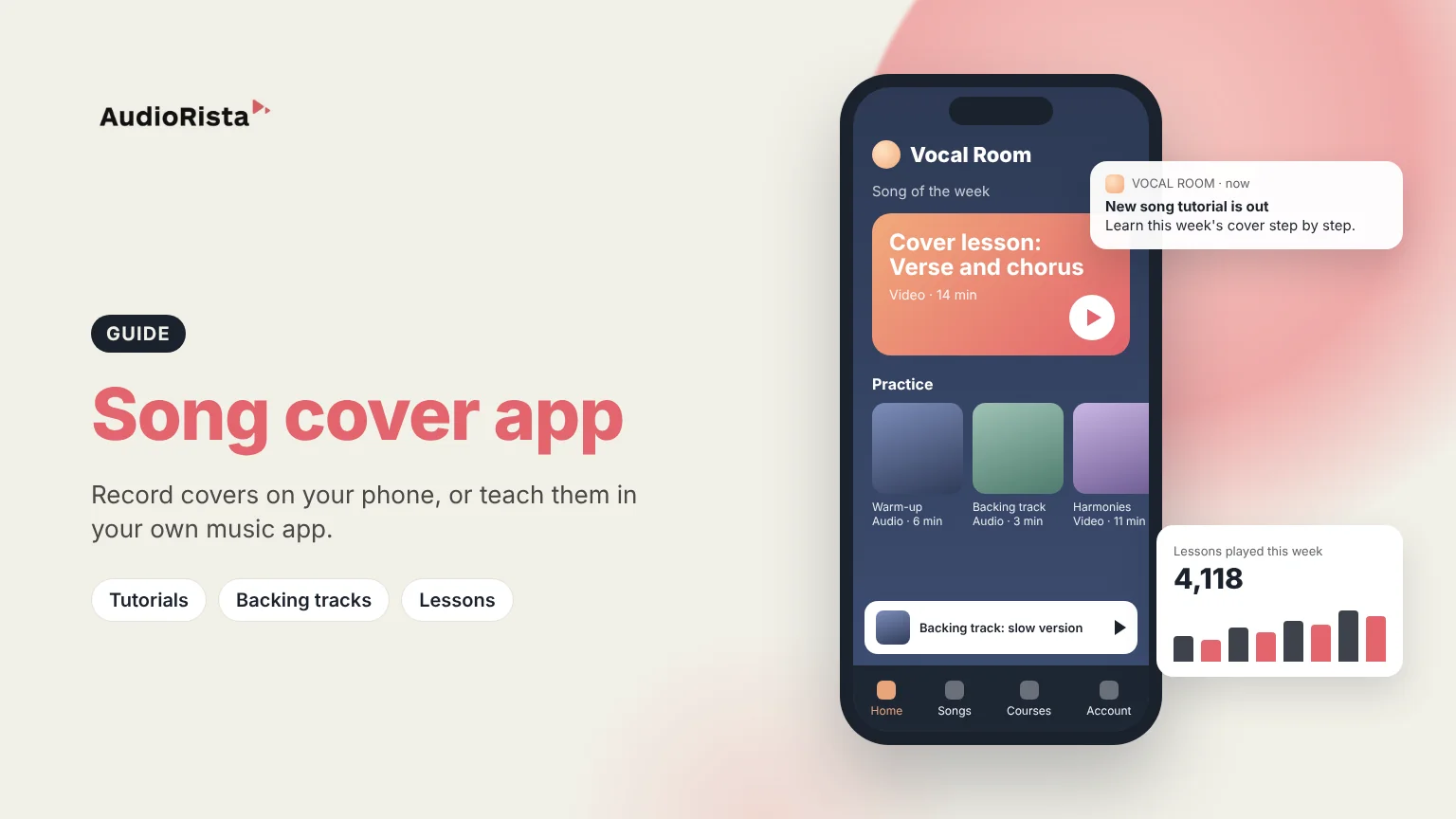
If you are a vocal coach, guitar teacher or music school, your students are already learning songs on their phones. Audiorista is not a recording app. It is a no-code platform for publishing your own branded app, where you can put your cover tutorials, backing tracks and lessons in one place. Students watch your video breakdowns of a song, practice with audio tracks you upload, and follow courses that take them from warm-ups to full performances. You decide which lessons are free and which are for paying subscribers, and you can send a push notification when a new song tutorial is out.
The app is published under your name in the App Store and Google Play, and you build and update it from a dashboard without writing code. Learn more about how to build your own music app, or read our guide on how to create a music app. Music teachers who also coach students one-to-one can see how coaches and trainers use Audiorista.
FAQ
What is the best app for making song covers?
For a full recording with your own mix, GarageBand on iPhone or BandLab on iPhone and Android are free and capable. For singing along to backing tracks and duets, Smule is the most popular choice.
How do I make a song cover on my phone?
Load a backing track into a recording app, record your vocals with headphones on in a quiet room, keep the best takes, and balance the vocal against the track before you export it.
Can I record a cover song on my iPhone for free?
Yes. GarageBand and BandLab are both free and let you record vocals over a backing track on an iPhone.
Can I sell cover song tutorials in my own app?
Yes. With Audiorista, music teachers can publish video and audio tutorials in their own branded app and sell access by subscription. If you publish covers themselves, check the rights for the songs you use.
Teach music? Build your own music learning app with Audiorista.
Your audience is waiting
