

Cooking Class App: How to Launch Your Own Recipe and Video App
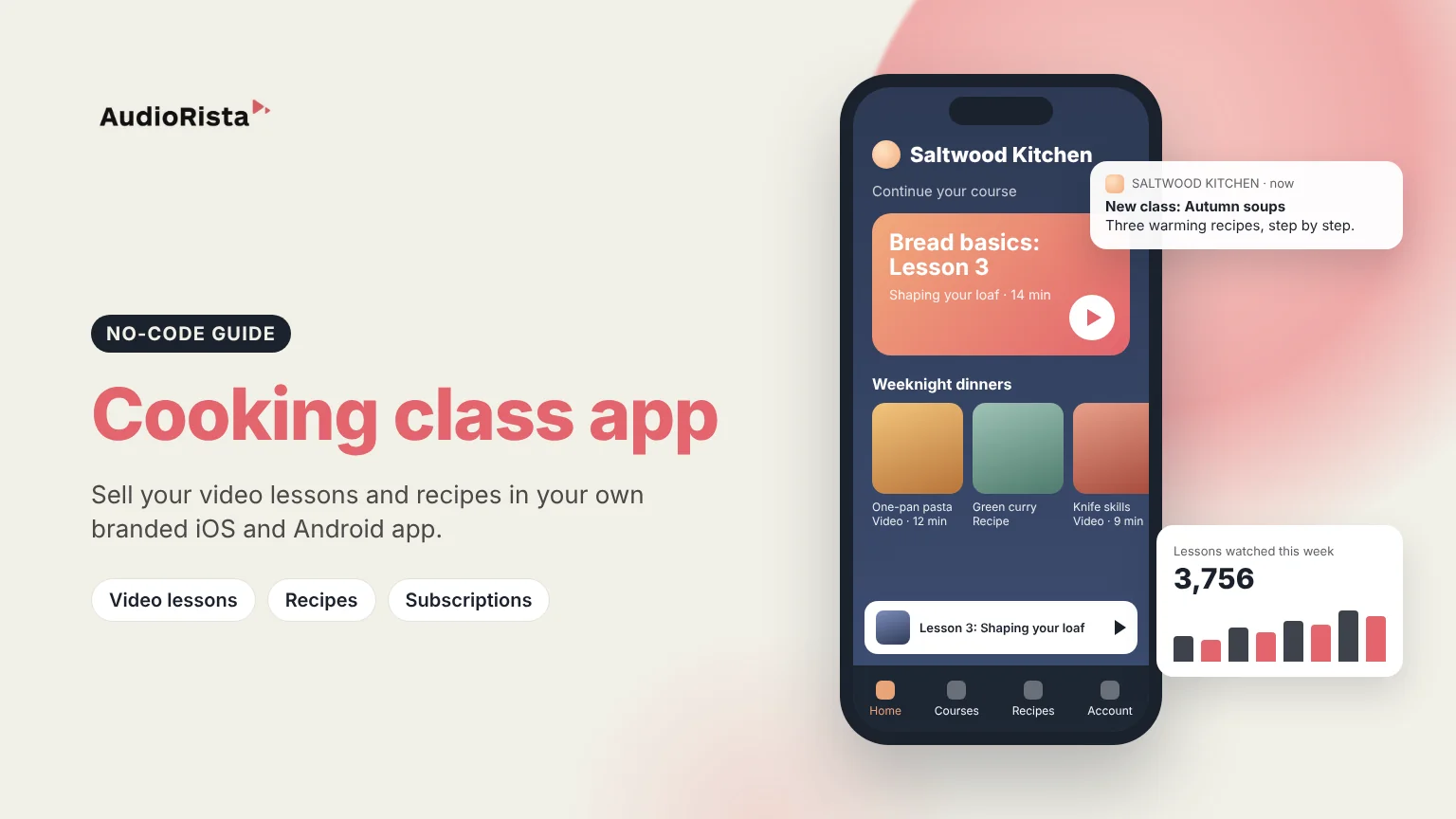
A cooking class app lets chefs, cooking schools and food creators sell video lessons and recipes in their own branded app, instead of on someone else's platform. Students follow classes step by step on their phone in the kitchen, and you decide what is free, what is paid, and how often new lessons arrive. With a no-code platform like Audiorista you can launch your cooking class app on iOS and Android without writing code. This guide covers what the app needs, how to build it, and how to earn money from it.
Where people learn cooking online today
Home cooks learn from free videos on YouTube and social media, recipe websites, course marketplaces and big cooking apps. That is good for discovery, but on those platforms your classes sit next to everyone else's, the platform owns the relationship with your students, and you have little control over price. Your own app gives you one place for all your classes and recipes, under your name, with students you can reach directly.
Features a cooking class app needs
- Video lessons that show each technique clearly, from knife skills to plating.
- Courses and series, so students follow a path: a basics course, a bread course, a holiday menu.
- Written recipes next to each video, with ingredients and steps to read while cooking.
- Audio for tips, interviews or a podcast, if you have one.
- Free and paid content: some recipes free to attract students, full classes for subscribers.
- Push notifications when a new class or seasonal recipe is out.
- Your own brand: your name, logo and colors in the App Store and Google Play.
- Analytics on which lessons students watch and finish.
Three ways to offer cooking classes online
How to build your cooking class app with Audiorista, step by step
- Film your lessons. A steady camera above the counter, good light and clear sound matter more than expensive equipment.
- Upload your videos, recipes and audio in one dashboard, and group them into courses such as Basics, Baking and Weeknight dinners.
- Design your app with your logo, colors and app icon.
- Choose how you charge: subscriptions in the app and on the web, single courses, or free recipes with paid classes.
- Preview it on your phone before anyone else sees it.
- Publish to the App Store and Google Play.
- Grow: send push notifications when a new class is out, and use analytics to see which lessons students finish.
See how Audiorista works as a video app builder, and how educators package courses in their own app.
How cooking class apps make money
- Subscription: a monthly or yearly fee for all classes, with new lessons added regularly.
- Single courses: a bread course or a holiday menu at one price.
- Free plus premium: free recipes to attract students, full video classes for subscribers. Read about balancing free content with premium exclusives.
- An extra for in-person students: cooking schools can give students access to the app with their course, so they can repeat the lessons at home.
More ideas in our guide to selling videos online.
Who a cooking class app is for
- Chefs who want to teach their signature dishes to a wider audience.
- Cooking schools that want an online version of their classes.
- Food creators who want to turn followers into paying subscribers.
- Bakers and pastry teachers whose techniques are easiest to learn on video.
FAQ
How do I create a cooking class app?
Film your lessons, upload them with your recipes to a no-code platform like Audiorista, design the app with your brand, choose your prices and publish to the App Store and Google Play.
Do I need to know how to code?
No. With Audiorista you build and update the app from a dashboard, without writing code.
Can I sell recipes and videos in the same app?
Yes. You can publish video lessons, written recipes and audio in the same app, and decide which are free and which are paid.
How do cooking class apps make money?
Mostly through monthly or yearly subscriptions. Single courses and free recipes that lead to paid classes add extra income.
Ready to launch your own cooking class app? Start building with Audiorista.
Your audience is waiting
