

Best Online Calligraphy Course: How to Build Your Own in an App
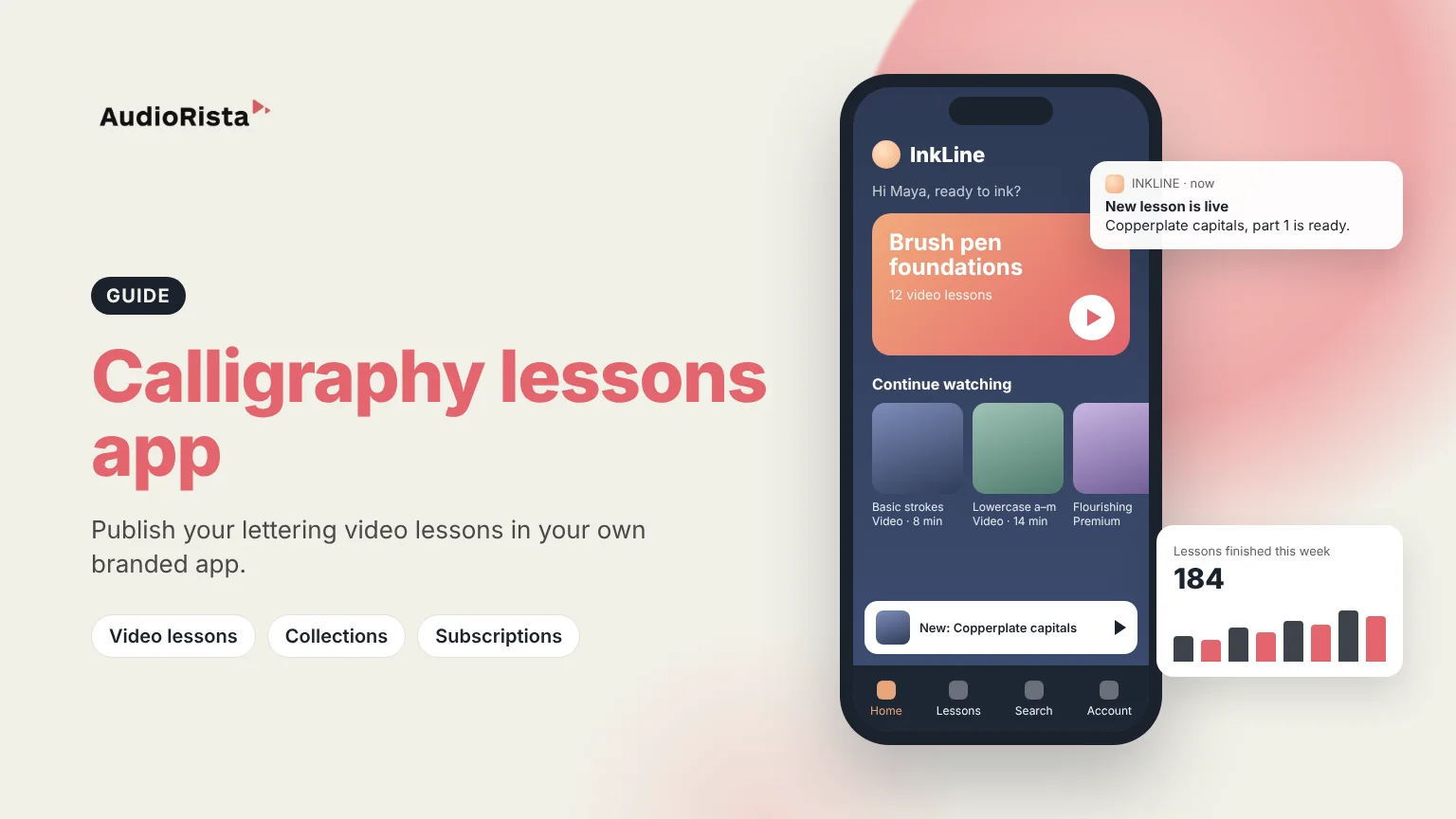
The best online calligraphy course teaches one style in a clear order, shows every stroke slowly on video, and gives students worksheets to practice with between lessons. If you teach calligraphy or hand lettering, you can build exactly that kind of course in your own branded app with Audiorista, a no-code platform for video, audio and text apps on iOS, Android and the web.
Below is what learners look for in a calligraphy course, and how you deliver each part in an Audiorista app.
What makes the best online calligraphy course
Learners judge a calligraphy course on a few simple things. It sticks to one style, such as modern brush lettering or pointed-pen copperplate, because each style uses different tools and drills. It moves in a fixed order, from basic strokes to letters, then words, then finished pieces. And it shows pen angle, pressure and speed up close, which is why video matters more for calligraphy than for most subjects.
Good courses also give students something to do after each lesson, such as a worksheet to trace and copy. Short lessons help, and so does new material every week or two. Your own app lets you control all of this.
Structure your course as collections
In Audiorista, lessons sit in collections, so your course outline becomes the app's structure. A beginner path could be four collections: foundations and drills, lowercase letters, capitals, and words and flourishing.
Tags add a second way in. Tag each lesson by tool or style, for example brush pen, pointed pen or iPad lettering, and students can use those tags as filters. A dynamic collection can also fill itself with every lesson that has a given tag, so a "brush pen" shelf stays up to date as you add lessons.
Video lessons and PDF worksheets in one app
You upload lessons from the Audiorista dashboard, with bulk upload when you have a back catalog. Video is streamed through the Mux extension.
Worksheets do not need to live in a separate shop. A PDF can be added as its own text title, so the practice sheet for lesson 3 sits right next to the lesson 3 video in the same collection. Students can mark favorites and return to the strokes they find hard. For more on video content, see our guide to selling videos online.
Free lessons, subscriptions and one-off course sales
You decide what is free and what is paid. A common setup is to make the first foundations lessons free, so new students can try your teaching, and keep the full path premium. Our guide to balancing free and premium content covers how much to give away.
For paid access you can sell subscriptions in the app through the App Store and Google Play, take web payments through Stripe, or offer bundles. You can also sell a single course as a one-off purchase that unlocks just that course for the student. If you already sell courses on your own website, the Membership API can unlock the same lessons in the app.
Some learners look for a course with a certificate. A certificate of completion shows that someone finished a course; it is not a formal qualification. Audiorista does not issue certificates, so if you want to offer one, send it yourself when a student completes the course.
Bring students back with push notifications and Share Pages
On the Business plan and up you can send a push notification when a new lesson is out, which is the simplest way to keep weekly practice going. Analytics show which lessons students play and finish, so you can see where people stop and improve that lesson.
Share Pages give each lesson its own branded web landing page. Share a free lesson on Instagram or in your newsletter to bring in new students.
To be clear about fit: Audiorista is for publishing and selling your lessons. It does not grade student work, give stroke feedback, run quizzes or host a student chat. If students should send you photos of their practice, use email or a community tool alongside the app. Schools and art programs can read more on Audiorista for educators.
How to launch your calligraphy course app
- Plan your course as collections, from first strokes to finished pieces, and mark which lessons are free.
- Record your video lessons, prepare a PDF worksheet for each one, and upload both to the Audiorista dashboard.
- Choose how students pay: subscription, one course at a time, or both.
- Enroll in the Apple Developer Program ($99 a year) and invite Audiorista to App Store Connect as Admin.
- Audiorista builds and uploads the app under your name; you test it with TestFlight and submit it for review.
Apple says it typically reviews at least 50% of submissions in under 24 hours and 90% in under 48 hours (Apple App Review). Our guide on getting an app on the App Store walks through each step.
FAQ
What is the best online calligraphy course for beginners?
The best one teaches the style you want, in a clear order, with slow stroke demonstrations on video and a worksheet for each lesson.
Is there an online calligraphy course with a certificate?
Some courses give a certificate of completion, but it is proof that you finished, not a qualification. Teachers using Audiorista can send their own certificate when a student completes the course.
Can I teach digital lettering in my own app?
Yes. Record your iPad screen and your hand as video lessons, tag them as digital lettering, and publish them next to your pen-and-paper lessons in the same Audiorista app.
Can I sell my own calligraphy course in an app?
Yes. With Audiorista you publish video lessons and PDF worksheets in a branded app and sell access through subscriptions or one-off course purchases, without writing code.
Teach calligraphy or hand lettering? See how the Audiorista video app builder puts your course in your own app.
Your audience is waiting
